Getting an Ally is easy
Four steps. No tech skills needed. Here's the whole thing.
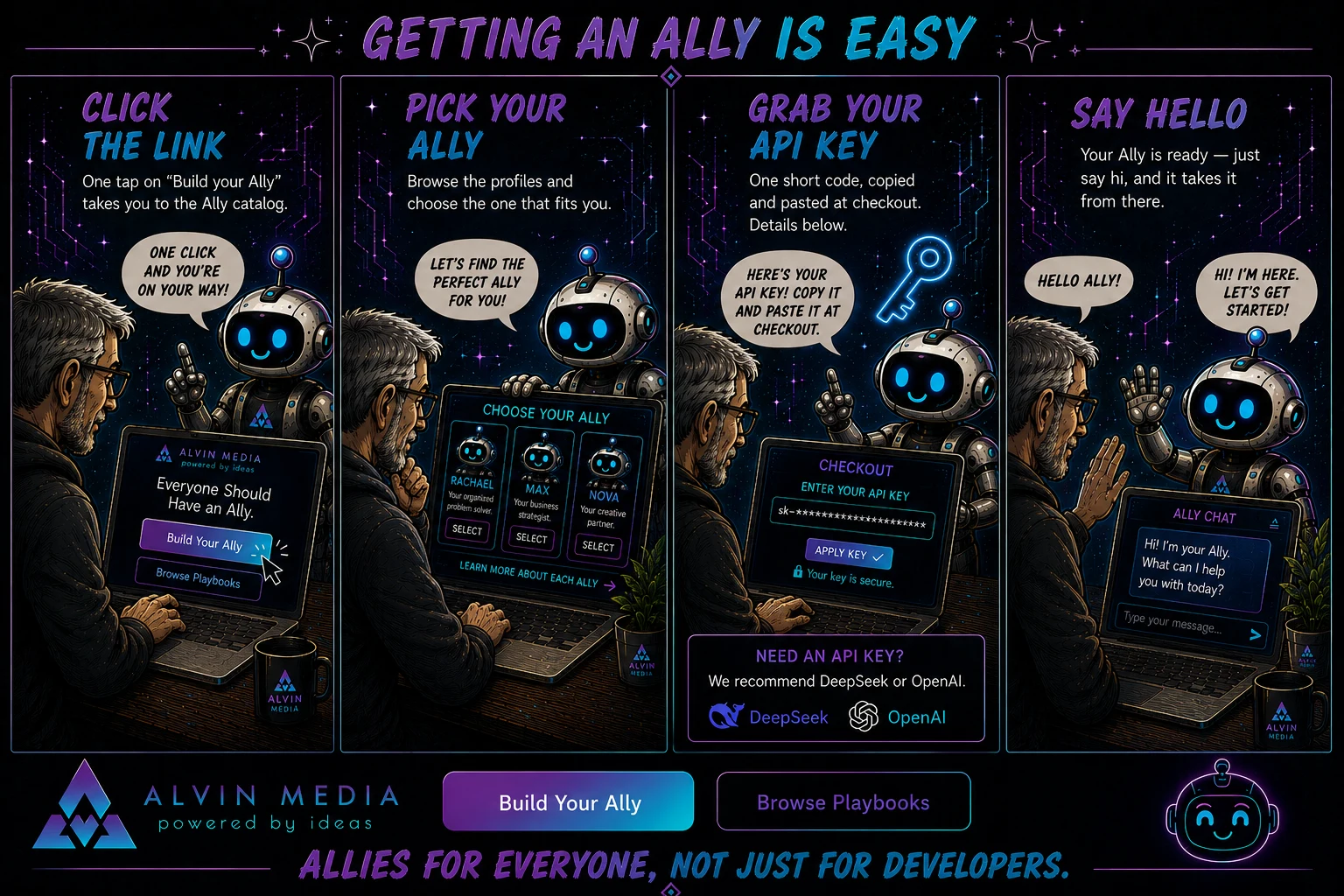
Click the link
The link is the Build Your Ally button — there's one at the top of this page and one in the menu up top. One tap and you're at the Ally catalog, the shelf where all the Allies live.
Pick your Ally
Each Ally has a profile that tells you what it's good at and what it's like to work with. Read a couple and pick the one that feels right. You can't really get this wrong.
Grab your API key
Your Ally needs one short code (the API key) to reach its brain in the cloud. You copy it once and paste it at checkout — there's a whole section on it below.
Say hello
After checkout, you'll get an email with a link. Click it, and your Ally is right there waiting. The first thing you do is just... say hi. It takes it from there.
One small thing: the API key
Your Ally has a brain in the cloud, and the API key is basically the house key that lets your Ally in to use it. It's just a short code you copy and paste once during setup. That's it.
You get the key from the company that runs the brain. You already know ChatGPT — OpenAI ↗ is the company behind it, and they provide that kind of service. We just use a plug from services like theirs to power our agents. There are two we like right now:
A note about cost: you only pay for what your Ally actually uses, and for normal everyday use we're talking pennies — usually less than a cup of coffee a month. Not a subscription on top of a subscription.
⚠️ Save your key — you only see it once.
When you create an API key with DeepSeek or OpenAI, they show it to you exactly one time and then never again. Copy it and save it somewhere safe before you close the window. A notes app, a password manager, even a sticky note — just don't lose it.
And down the road? If you ever want to use a different brain — Claude, Gemini, whatever comes next — your Ally can hook up to pretty much any provider. You're never locked in. But you don't need to think about that today.
Ready?
Pick your Ally →Once you've got your Ally, playbooks are the fastest way to put it to work — ready-made missions, step by step, with you in control the whole time.